

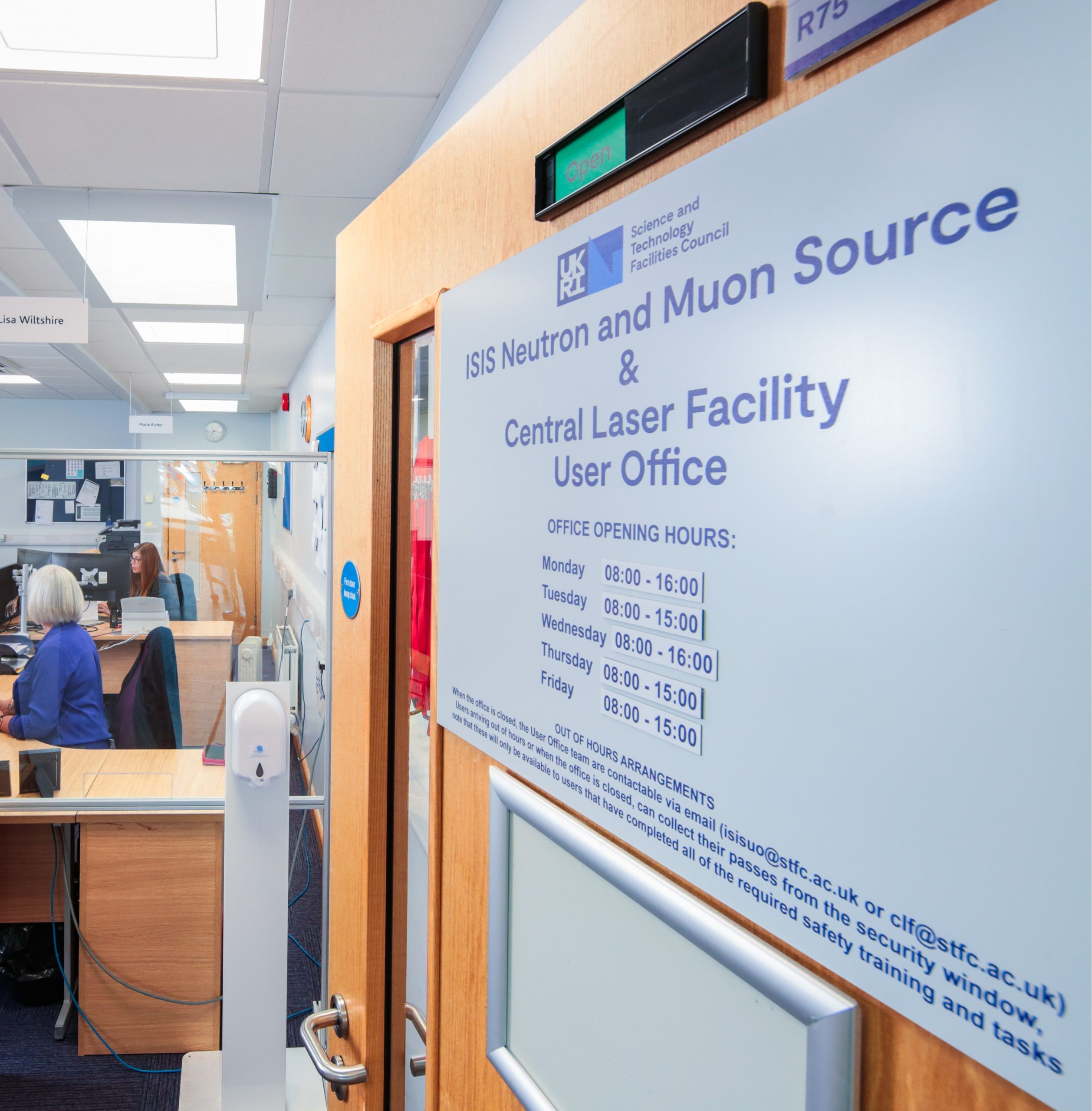
The CLF User Office

The CLF User Office is here to assist all users of the facility, so if you have any queries please contact us for assistance.  If we are unable to deal with your query we will always be able to find someone who can.​

To view and edit your user account details, or register for a Facilities User Account,  please visit:

CLF user portal

User office contact information

​​​Telephone: +44(0)1235 445090 (ext. 5090​​)

Email: clf@stfc.ac.uk​

CLF User Office
Science and Technology Facilities Council
Reception Building (R75), Rutherford Appleton Laboratory​​
​Harwell Campus, Didcot
​Oxfordshire, OX11 0QX.  UK

Opening hours:

08:00 – 16:00 Monday-Thursday
08:00 – 15:00 Friday

FAQ 

Help submitting proposals 

in-depth guidance can be found in this PDF:

CLF User Documentation for Proposals

please contact the user office if require the document in another format.

If you are struggling with submitting a proposal, please be aware that there are three possible routes for help:  

  • Scientific
    E.g. What is the capability of equipment x at the facility? What information is required for question x?
    Please look at the facility webpages for capability details and science staff contacts.  If you cannot find an answer, contact the CLF User Office to be put in touch with someone who can help 
  • Practical
    E.g. Which call should I submit to? How do I arrange a visit from place y?
    Please contact the CLF User Office 
  • Software
    E.g. Why do I see an error message? Why can’t I follow these instructions?
    Please contact our support team via: fase-support@stfc.ac.uk 

If in doubt, please contact the appropriate user office, who will be able to redirect your query if required.  


I want to submit a visit, but my experiment number is not listed

Experiment numbers will appear for selection when the experiment scheduling has been confirmed in our systems (check with your CLF link scientist).

You can also select ‘add other purpose’, then type your experiment app number and visit dates in the relevant fields.


How do I edit a visit I’ve already submitted?

Once a visit has been submitted it cannot be edited. Please send an email to the  detailing the changes that you require.

Email the CLF User Office


I want to add a colleague to my proposal/experiment, but I can’t find them

This may be because they:

  • Haven’t registered with us yet
  • Have registered with us using a different email address
  • Need to update their privacy settings to allow themselves to be found by this search

Please contact the person you are looking for and ask them to register for a user account or check their registered email address or privacy settings.

User portal: create account

User portal: check for registered email addresses

User portal: privacy settings


How do I book train travel via the CLF?

Go use the user portal to submit your visit requirements. To submit train travel requirements, you will need to enter your requirements in the ‘add flights’ section.

User portal: submit visits requirements


What safety training do I need to complete?

Please visit our safety training webpage for information on CLF safety and what training you may need to complete.

Safety information for users


What funding am I entitled to and how do I claim my expenses?

Information in funding and expenses can be found here:

Reimbursement of expenses

If you have further questions, please email the user office.


What’s Laserlab-Europe access?

This is user access set aside specifically for groups/researchers from non-UK EU and specific non-EU countries. Please see our page on Laserlab-Europe for more information.

Lasers4EU Direct Access